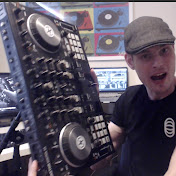
Quick tutorial on how to sync the two together to add more drums + groove to your sets!
1) Tick send midi clock in traktor settings
2) Add generic midi device and tractor virtual input and outputs
3) Activate Midi send (play/pause button)
4) In ableton open preferences, enable virtual outputs / inputs, press EXT, play drums.
Enjoy!